Short answer
Toner Low means the cartridge is close to empty but you can keep printing, so it’s time to order a new one. Replace Toner means the printer has stopped printing until you install a new cartridge. Some models let you keep going for a while with a Continue setting, but print quality isn’t guaranteed.
Brother laser printers warn you in stages as the toner runs down. Knowing what each message means tells you whether you have days of printing left or need a new cartridge right now.
What each Brother toner message means
| Message | What it means | Can you still print? |
|---|---|---|
| Toner Low (on some models: Prepare New Toner Cartridge) | The cartridge is near the end of its life. | Yes. Order a replacement now. |
| Replace Toner | The cartridge has reached the end of its life. | No, unless your model has Continue mode turned on. |
| Toner Ended | The absolute limit, even in Continue mode. | No. Install a new cartridge. |
Brother recommends using the cartridge while your prints still look good, so Toner Low is the right moment to have a spare on hand.
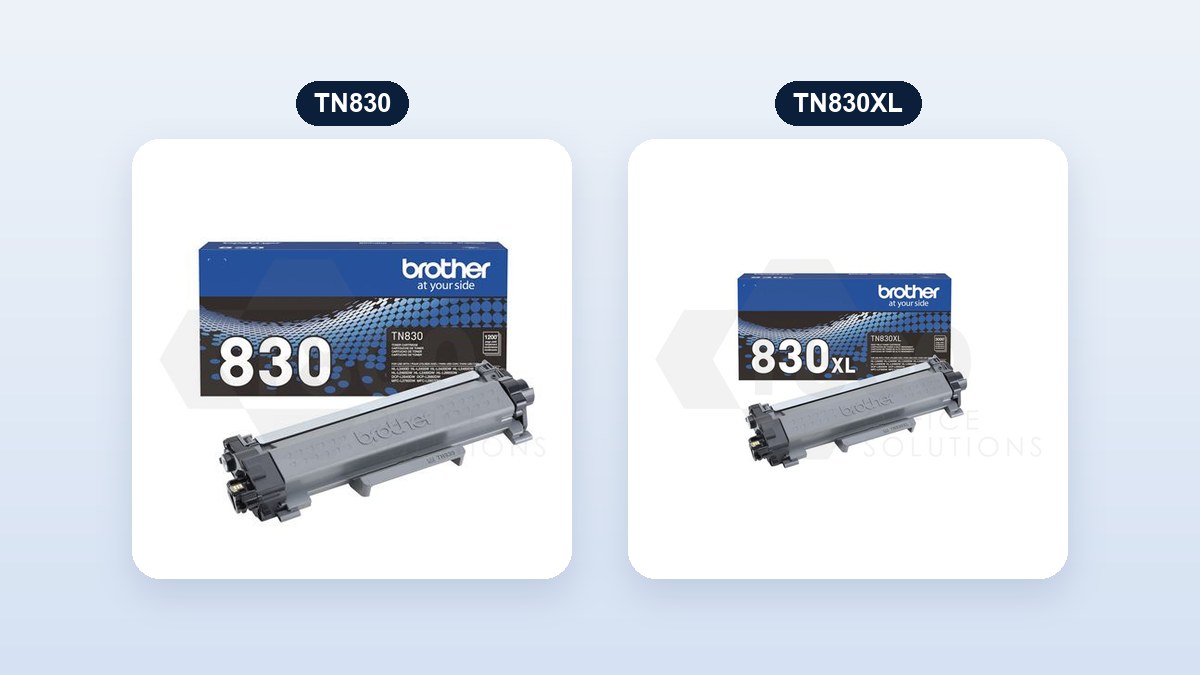
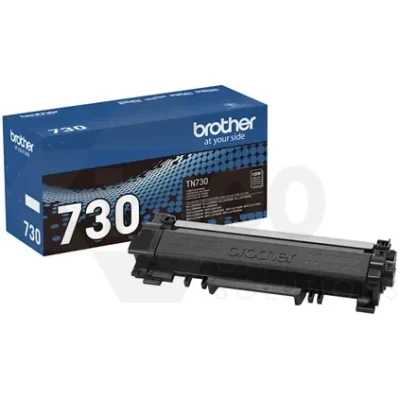
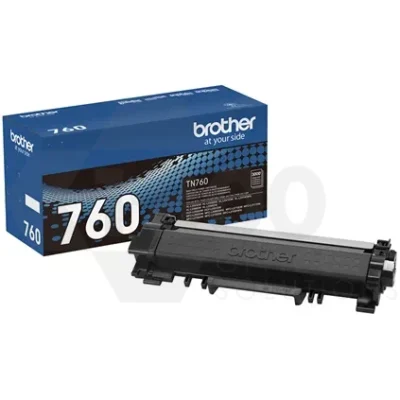
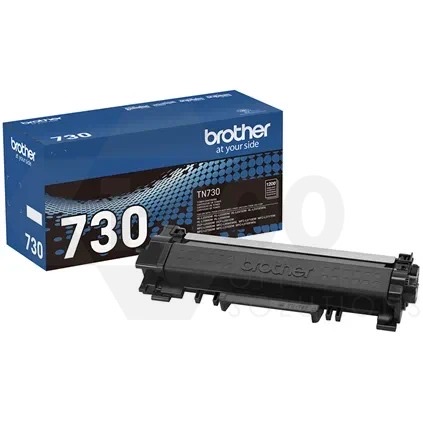
Brother TN730 and TN760 toner, genuine and compatible

Continue mode: printing after Replace Toner
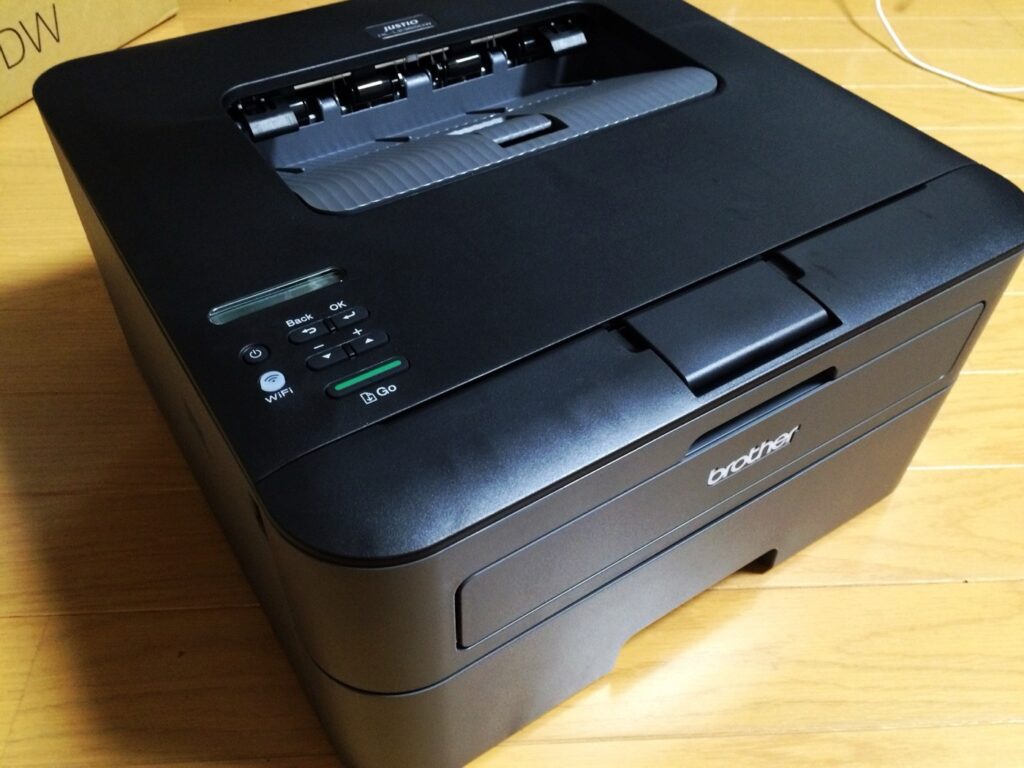
Some Brother printers have a setting that keeps printing after the Replace Toner message. On the HL-L2350DW and HL-L2370DW you find it under General Setup, then Replace Toner, then Continue. Choose Stop to switch it back.
Keep in mind:
- Brother doesn’t guarantee print quality in Continue mode, so pages can come out faint.
- The setting switches itself off when you install a new cartridge.
- When the printer reaches Toner Ended, it stops anyway.
- Menus differ between models, so check your manual if you don’t see it.
The message stays on after a new cartridge
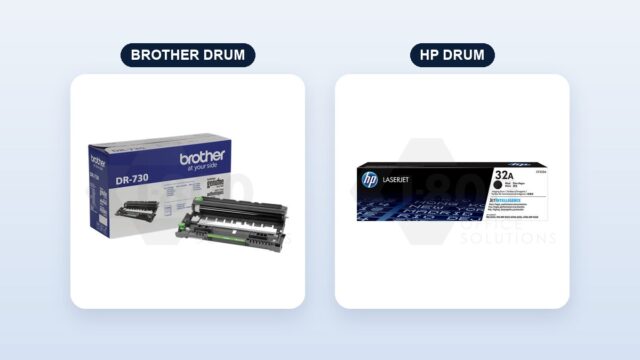
- Check that you replaced the toner and not the drum. They are separate parts on these printers.
- Use a brand new, unused cartridge. A partly used one, or one moved from another printer, can keep the message on.
- Take the cartridge out, rock it gently from side to side, and push it back into the drum until it clicks.
- Clean the corona wire with the green tab on the drum, and return the tab to its home position.
- Update the printer’s firmware if an update is available.
Still stuck? If the cartridge came from us, email shop@1800toners.com with your printer model and we will help.
Other messages you might see
- No Toner or Cartridge Error: the cartridge isn’t seated correctly. Take the assembly out, remove the toner from the drum, push it back in until it locks, and reinstall the assembly.
- Replace Drum or Drum End Soon: that’s the drum, not the toner. Read drum vs toner.
Questions we get
How many pages can I print after Toner Low?
It depends on what you print. Text pages use less toner than graphics. Treat Toner Low as your signal to order, not as a countdown.
Can I reset the counter on a used cartridge?
We don’t recommend tricks to reset a used cartridge. Brother’s advice is to install a new, unused cartridge, which resets the message on its own.
How do I put in the new cartridge?
Follow our step by step guide on how to replace the toner in a Brother printer.
Find the right supplies for your printer