Short answer
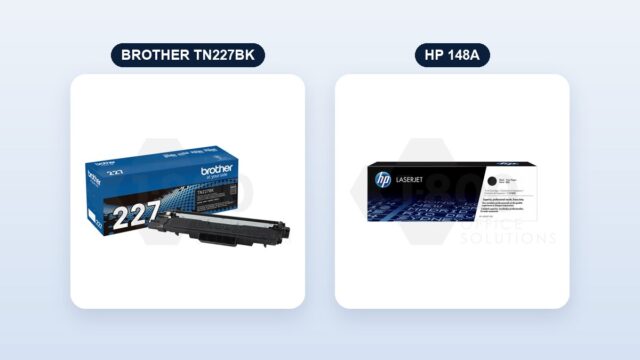
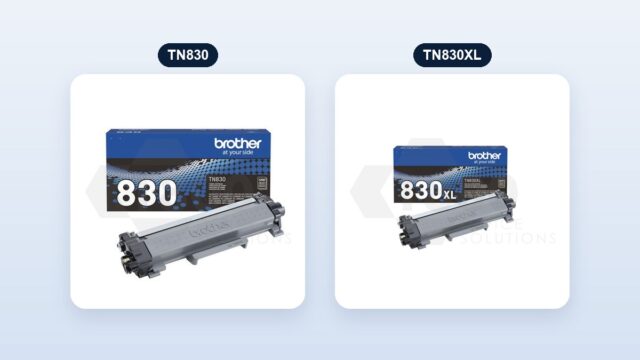
The toner cartridge holds the powder that forms your text and images, and it runs out first. The drum is the cylinder that transfers that toner onto the paper, and it lasts through several toner cartridges. On many Brother printers they are separate parts. On most HP LaserJets the drum is built into the toner cartridge.
Your printer is asking for a drum and you replaced the toner last week? You did nothing wrong. Drum vs toner confuses a lot of people, because on many printers they are two different parts that wear out on different schedules.
What the toner cartridge does
The toner cartridge holds the toner, a very fine powder that becomes the text and images on your pages. It empties a little with every page, so it is the part you replace most often.
What the drum does
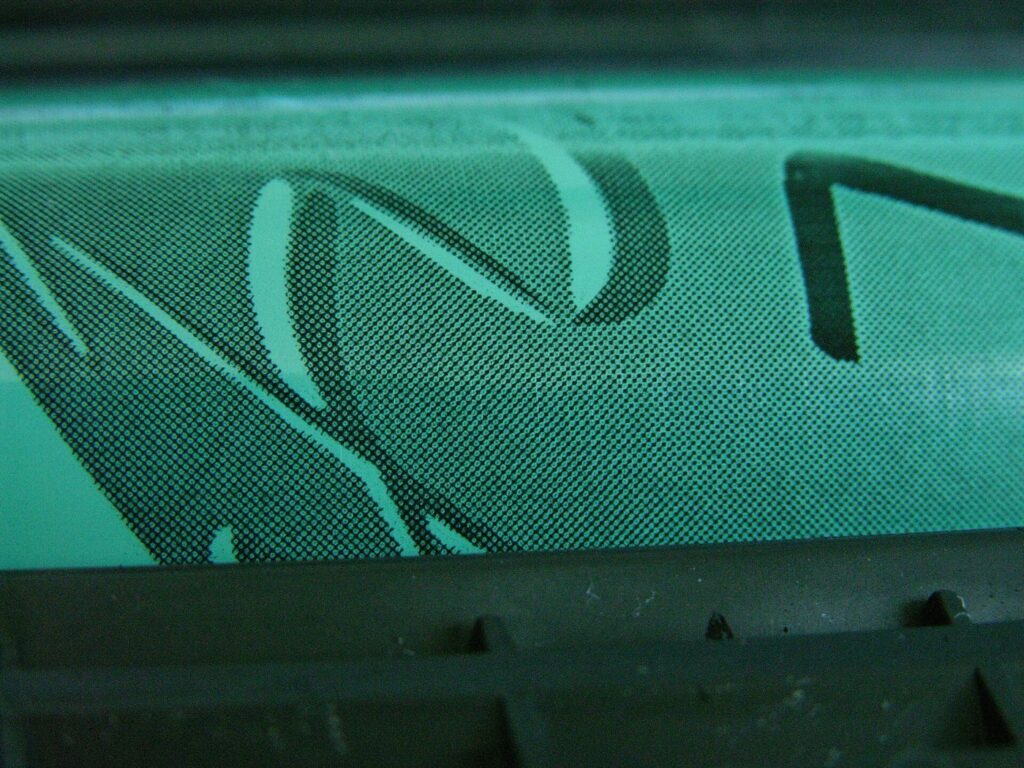
The drum is a light sensitive cylinder. The laser draws each page on it as a pattern of electric charge, toner sticks to that pattern, and the drum rolls it onto the paper. Every page wears it down slightly, which is why it eventually needs replacing too, just much less often than the toner.
Separate drum or drum built into the cartridge
| Design | Example | Rated pages |
|---|---|---|
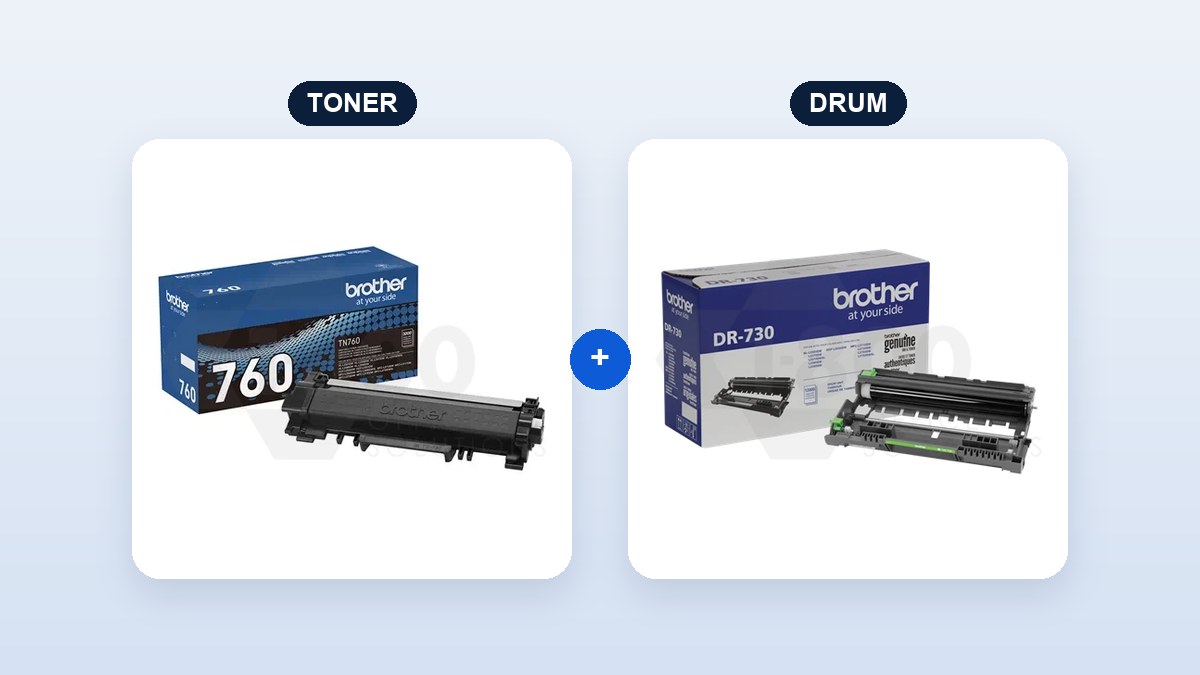
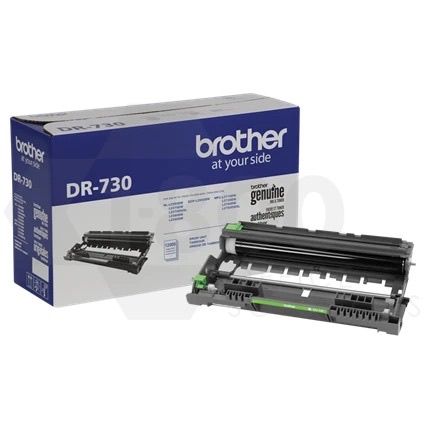
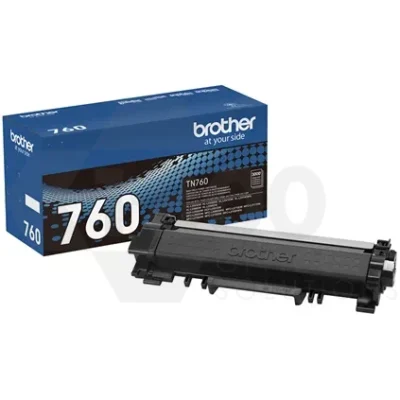
| Separate drum (common on Brother) | Brother TN760 toner and DR730 drum | Toner 3,000, drum 12,000 |
| Drum built in (most HP LaserJets) | HP 58A (CF258A) | 3,000 |
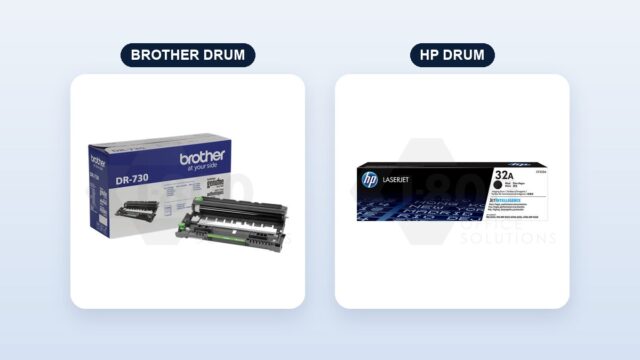
| Separate drum on some HP models | HP 30A toner and HP 32A imaging drum | Toner 1,600, drum 23,000 |
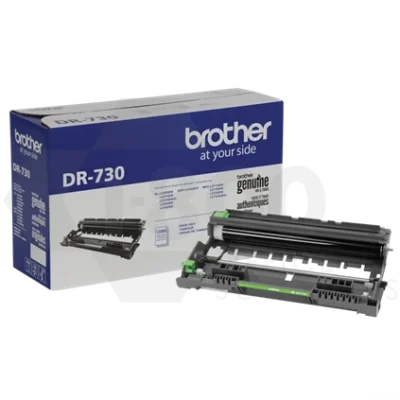
With the Brother pair, one drum lasts roughly four high yield toner cartridges. The DR730 drum fits the Brother HL-L2350DW, HL-L2370DW, HL-L2390DW, HL-L2395DW, MFC-L2710DW, MFC-L2750DW and DCP-L2550DW.
Brother TN760 toner and DR730 drum
-
Brother DR730 Black Drum
$124.99


Is it the toner or the drum?
- Light or faded print across the whole page, or a Toner Low or Replace Toner message, points to the toner. Start there.
- Marks or dots that repeat at the same spacing down the page, a gray haze in the background, or a Replace Drum or Drum End Soon message usually means the drum.
- Thin vertical lines can come from either one. Many Brother drums have a green tab you slide back and forth a few times to clean the corona wire, then return to its home position. Try that before you buy anything.
After a new drum, reset the counter
Printers with a separate drum keep count of the pages it has printed. When you install a new drum, reset the drum counter or the warning will stay on. The steps differ by model and are in your printer’s manual.
How long does a drum last?
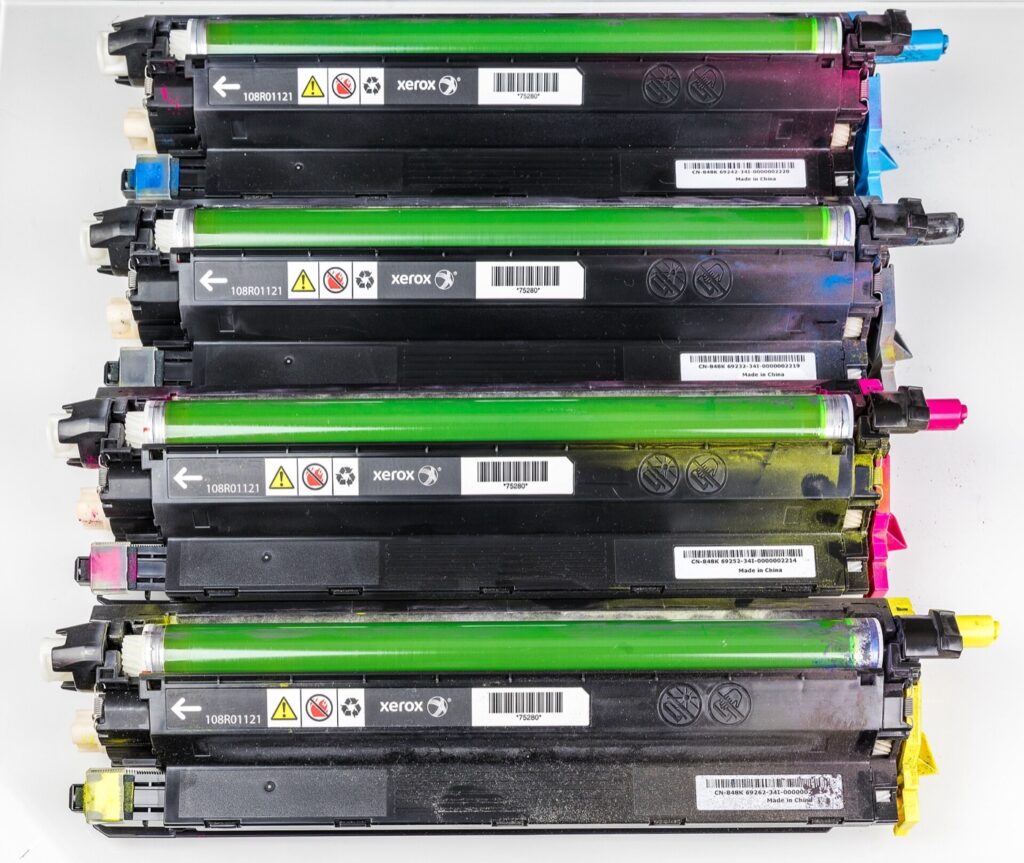
Drums are rated in pages, just like toner, and they last much longer. A few examples from our catalog:
- Brother DR730 drum: 12,000 pages
- Brother DR223CL drum for color printers: 18,000 pages
- HP 32A imaging drum: 23,000 pages
Those ratings assume typical use. An office that prints lots of short single page jobs can wear a drum out sooner than one that prints long documents.
Questions we get
Do I need a new drum every time I replace the toner?
No. With a separate drum, you replace the toner several times before the drum. When the drum is built into the toner cartridge, you get a new one with every cartridge.
Why does my printer say Replace Drum when the prints look fine?
The printer counts pages and warns you before the drum reaches the end of its rated life. Order one when you see the warning so it is on the shelf when quality starts to drop.
Can I use a compatible drum with genuine toner?
The drum and the toner are separate parts, so you can choose each one on its own. Just make sure both match your printer model.
Buying tips
- Buy the drum and the toner for your exact printer model. Not sure of it? Here is how to find your printer model number.
- Keep a spare toner on the shelf, and order a drum every few toners so a worn drum never stops the office.
- Weighing genuine against compatible for either part? Read compatible vs genuine toner.
Find the right supplies for your printer