Short answer
Open the front cover, lift out the drum and toner assembly, push down the green lock lever and lift the old toner out of the drum. Click the new cartridge into the drum, slide the green tab across a few times to clean the corona wire, return the tab to its home position, then put the assembly back and close the cover. It only takes a few minutes.
On most Brother black and white laser printers, the toner sits inside a separate drum unit. That makes the swap a little different from other brands, but once you have done it once, it takes a few minutes.
Which Brother printers this guide covers
| Printers | Toner | Drum |
|---|---|---|
| HL-L2350DW, HL-L2370DW, MFC-L2710DW, MFC-L2750DW | TN730 (1,200 pages) or TN760 (3,000 pages) | DR730 |
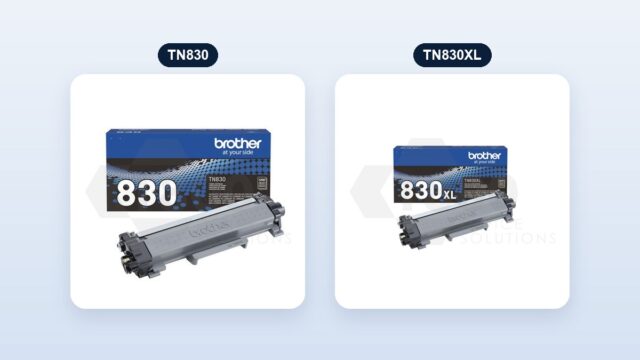
| HL-L2400D, HL-L2405W, HL-L2460DW, MFC-L2820DW | TN830 (1,200 pages) or TN830XL (3,000 pages) | DR830 |
Color Brother printers work differently, so follow the manual for those.
Before you start
- Leave the printer switched on.
- Keep the new cartridge in its packaging until you are ready to put it in.
- Have a sheet of scrap paper ready to set the drum on, in case a little toner falls out.
How to replace the toner, step by step
- Open the front cover.
- Pull out the drum and toner assembly and set it on the scrap paper.
- Push down the green lock lever and lift the old toner cartridge out of the drum.
- Unpack the new toner cartridge and remove its protective cover. On the TN830 and TN830XL, Brother says to hold the cartridge by the handle and shake it left to right several times at this point. Brother’s instructions for the TN730 and TN760 don’t include that step.
- Push the new cartridge firmly into the drum until it locks into place.
- Clean the corona wire: slide the green tab on the drum from left to right a few times.
- Put the green tab back in its home position, with its arrow lined up with the arrow on the drum. If you leave it out of place, your pages can come out with a vertical stripe.
- Slide the assembly back into the printer and close the front cover.
Wait until the printer shows Ready before you print, switch it off or open a cover again.
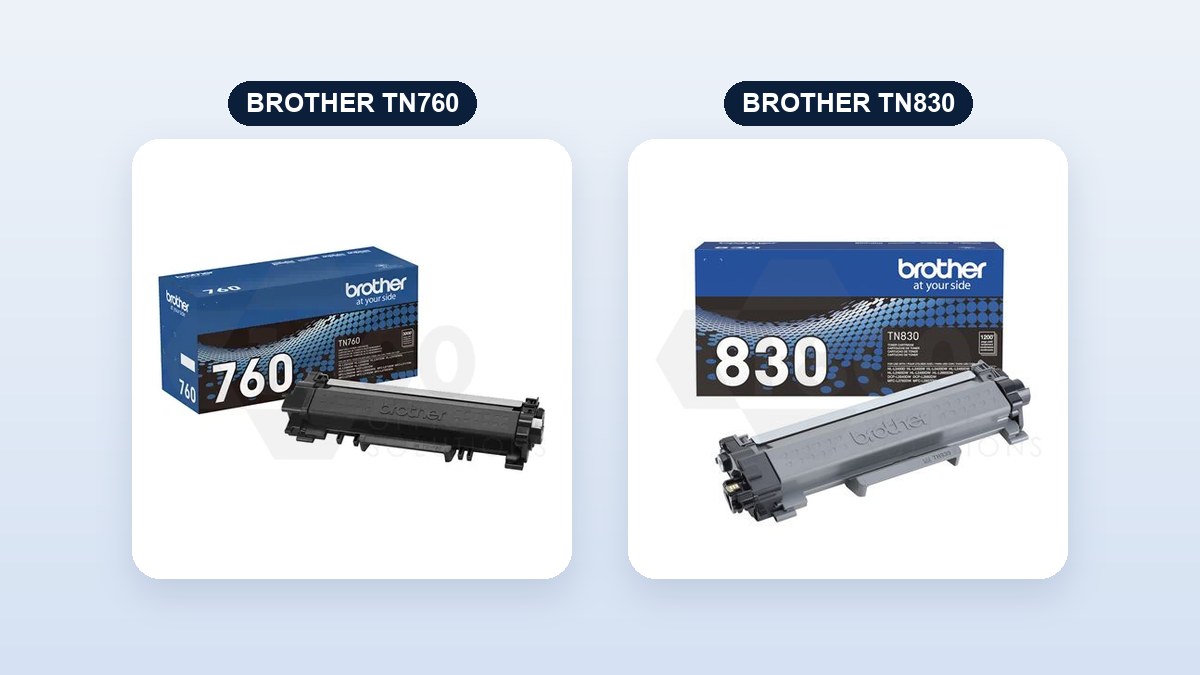
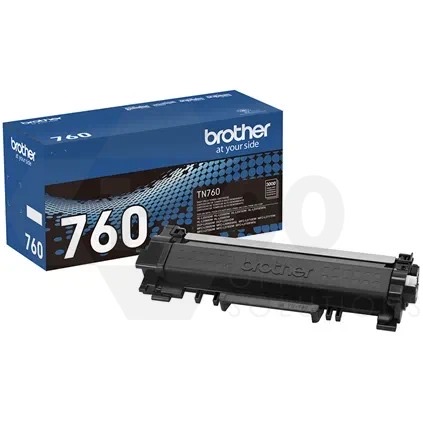
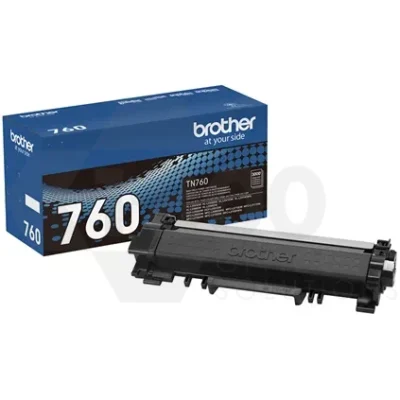
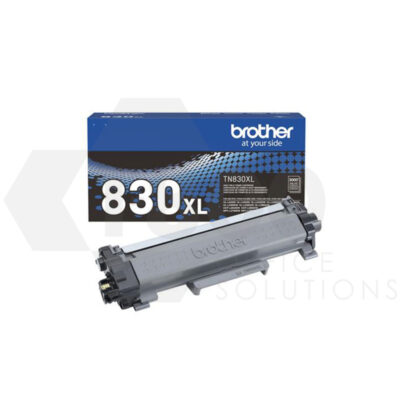
Brother TN760 and TN830XL toner, genuine and compatible


Why the corona wire step matters
The corona wire runs along the drum and gives it the electric charge the toner needs. Toner dust builds up on it over time. Sliding the green tab across cleans it, and it is one of the easiest fixes for thin vertical lines on your prints. Do it every time you change the toner.
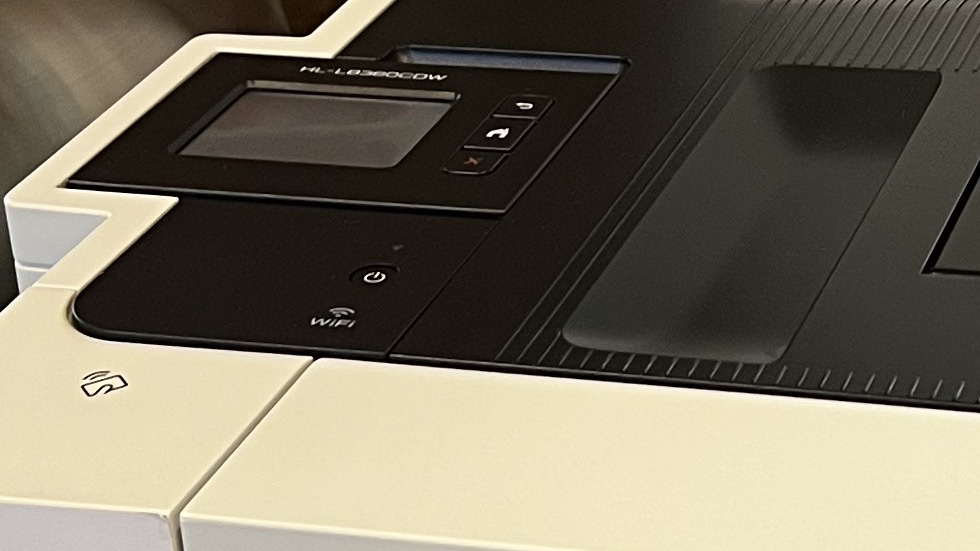
The printer still says Replace Toner
- Make sure you put in a brand new, unused cartridge. A partly used one, or one taken from another printer, can keep the message on.
- Take the toner out of the drum and push it back in until it clicks, then reinstall the assembly.
- Rock the cartridge gently from side to side and seat it again.
- Clean the corona wire once more and check that the green tab is back home.
Our guide on Brother toner messages explains what Toner Low, Replace Toner and Toner Ended each mean.
Toner or drum?
If the printer asks for a drum instead of toner, that is the DR730 or DR830, a separate part that lasts several toner cartridges. The DR730 is rated for about 12,000 pages and the DR830 for up to 15,000. Read drum vs toner to tell the two apart.
Questions we get
Do I need to replace the drum every time I change the toner?
No. You replace the toner several times before the drum. The printer tells you when the drum needs replacing.
Should I turn the printer off first?
No. Brother’s steps start with the printer on. Just don’t switch it off or open a cover again until it shows Ready.
Should I shake a new Brother toner cartridge?
For the TN830 and TN830XL, Brother says to shake it left to right several times after removing the protective cover. For the TN730 and TN760, Brother’s steps don’t ask you to.
How many pages does a Brother toner cartridge print?
The TN730 and TN830 are rated for about 1,200 pages. The high yield TN760 and TN830XL are rated for about 3,000.
Find the right supplies for your printer