Short answer
Toner is a dry powder, so it doesn’t dry out the way ink does, and an unopened cartridge can last for years when it’s stored well. What spoils it is heat, light, humidity and opening the bag too early. Keep spares sealed in their box, lying flat the way they sit in the printer, somewhere cool, dry and dark.
Buying a spare cartridge or two is smart, as long as they are still good when you need them. Here is what actually shortens the life of toner, and how to store it so it doesn’t.
Does toner dry out?
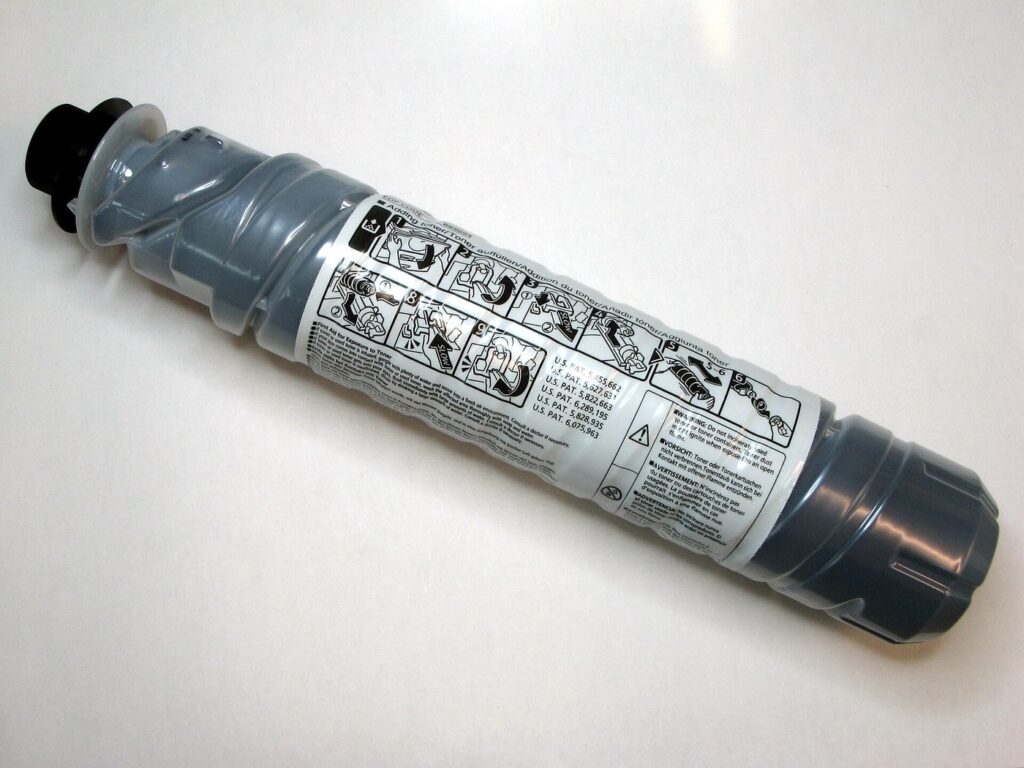
No. HP explains that toner is a dry powder and doesn’t dry out. An unopened cartridge can last for years, and toner already installed in a printer lasts about two to three years even if the printer sits idle. Very high humidity is the exception, because it can make toner clump.
What shortens a toner cartridge’s life
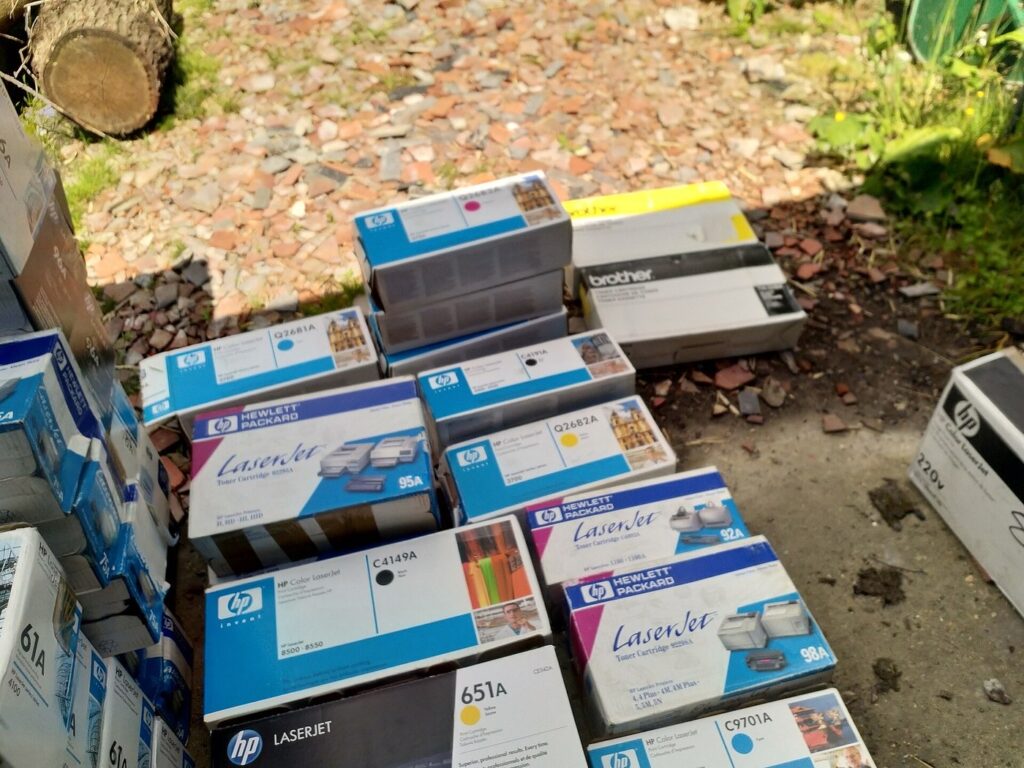
- Opening it early. HP says opening the package before you need it can dramatically shorten the cartridge’s life, and Brother says the toner life is shortened if a cartridge is left unpacked for a long time.
- Light. On cartridges with a built in drum, light degrades the drum. The box protects it.
- Heat. HP advises against storing toner above 104°F (40°C), and Canon and Lexmark give 95°F (35°C) as their limit. High heat can harden toner.
- Humidity. Lexmark recommends keeping supplies away from humidity above 80%.
- Standing it on end. Canon says never to store a cartridge vertically or upside down, and Toshiba notes that storing it on end reduces toner flow.
How to store spare toner cartridges
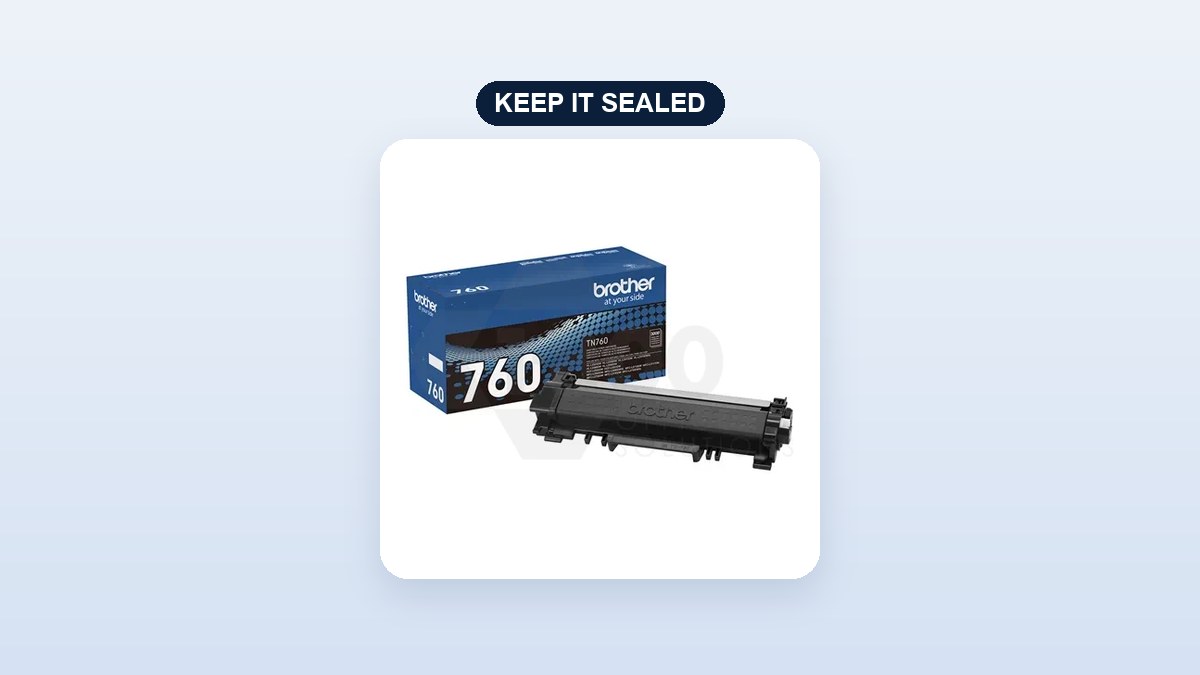
- Leave the cartridge sealed in its bag and box until the moment you install it.
- Store it lying flat, the same way it sits in the printer.
- Pick a spot at normal room temperature, away from sunny windows, hot cars, attics and heaters.
- Keep it dry: no damp basements or storerooms.
- Use the oldest spare first.
Moving a cartridge from a cold place to a warm one? Canon advises waiting at least two hours before opening the bag, so condensation doesn’t form.
Keep a spare on the shelf
-
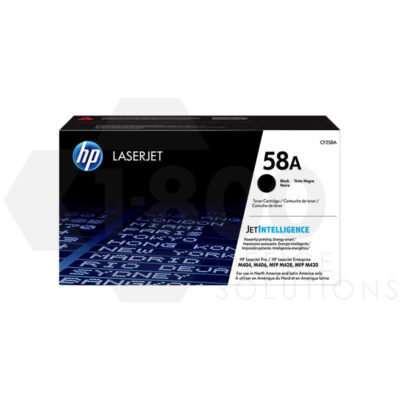
HP 58A Black Toner Cartridge
$149.99
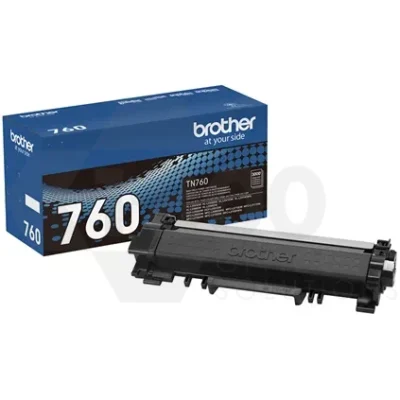
Is there a date on the box?
Some brands print one. Canon, for example, asks you to use new cartridges before the expiration date on the package. What a printed date means differs from brand to brand, so check the manufacturer’s information for yours.
How many spares to keep
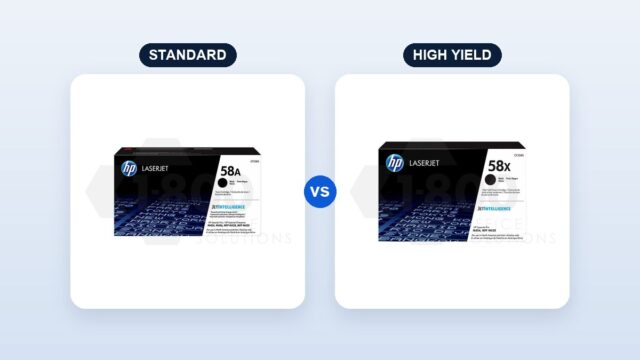
One spare per printer is a good rule for most offices, so the printer never stops while you wait for an order. If you go through cartridges quickly, a high yield cartridge means fewer changes and fewer spares to store. Read standard vs high yield toner to compare.
Ink is different
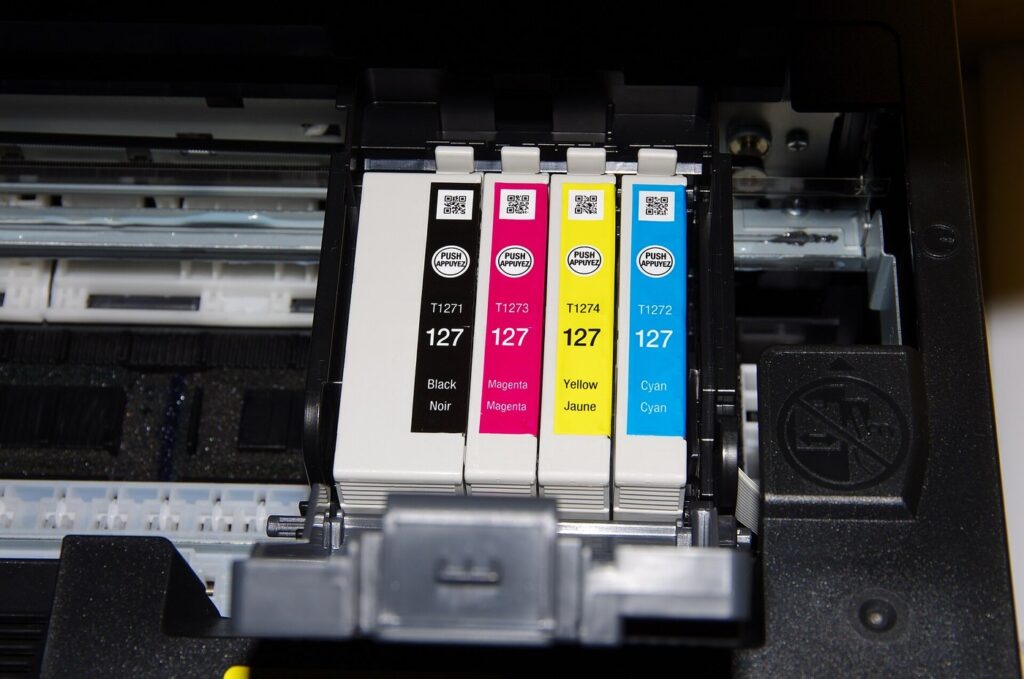
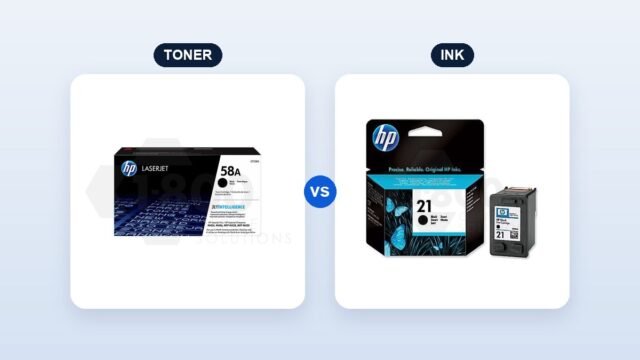
Ink cartridges do age. HP says its ink lasts about 18 to 24 months unopened when stored properly, and about 3 to 12 months once installed. Our guide to toner vs ink explains the other differences.
Questions we get
Can I still use an old toner cartridge?
If it stayed sealed in its box, stored flat and away from heat, it usually prints fine. Print a test page first. If pages come out light or streaky, our guides on faded printing and streaks and lines help.
Should I keep toner in the fridge?
No. Room temperature is best. A cold cartridge brought into a warm room can collect condensation, which is why Canon suggests waiting two hours before opening the bag.
Does toner go bad once it’s in the printer?
Not quickly. HP says installed toner lasts about two to three years even in a printer that isn’t used much.
Find the right supplies for your printer